UniverLab · open laboratoryEXP-007
DemoStage
// the demo is the source
DemoStage records a session as events, normalizes human imperfections into a clean demo.toml score, and compiles it to gif, mp4 or an animated svg — version-controlled, re-runnable and diffable.
terminal demos → an event score → demos you re-run
curl -fsSL https://install.univerlab.org/demostage | shirm https://install.univerlab.org/demostage.ps1 | iex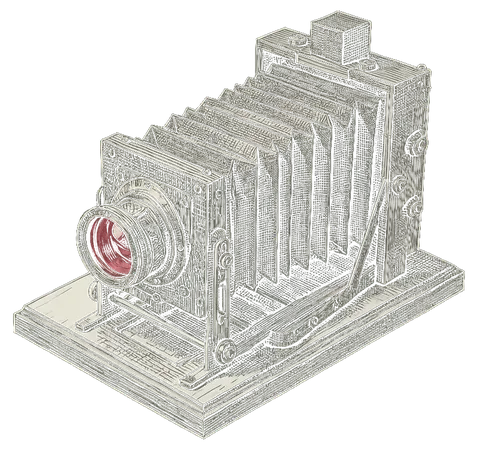
EXP-007 · active · · release v0.4.0 · 3 weeks ago · roadmap: · · Built with Canopy · Repository set up with ghScaff · Demo recorded with DemoStage · Commits checked by GitKit
Background: Eadweard Muybridge, The Horse in Motion, 1878 (public domain).
Born building this very page.
Building this landing, every experiment needed a demo — and every tool (asciinema, vhs, OBS, recording by hand) came out brittle or ugly, with a fresh re-record for each typo. So the demo stopped being a video and became a file: events you can prune, pace and replay. DemoStage records the rest of the lab — including the page you are reading.

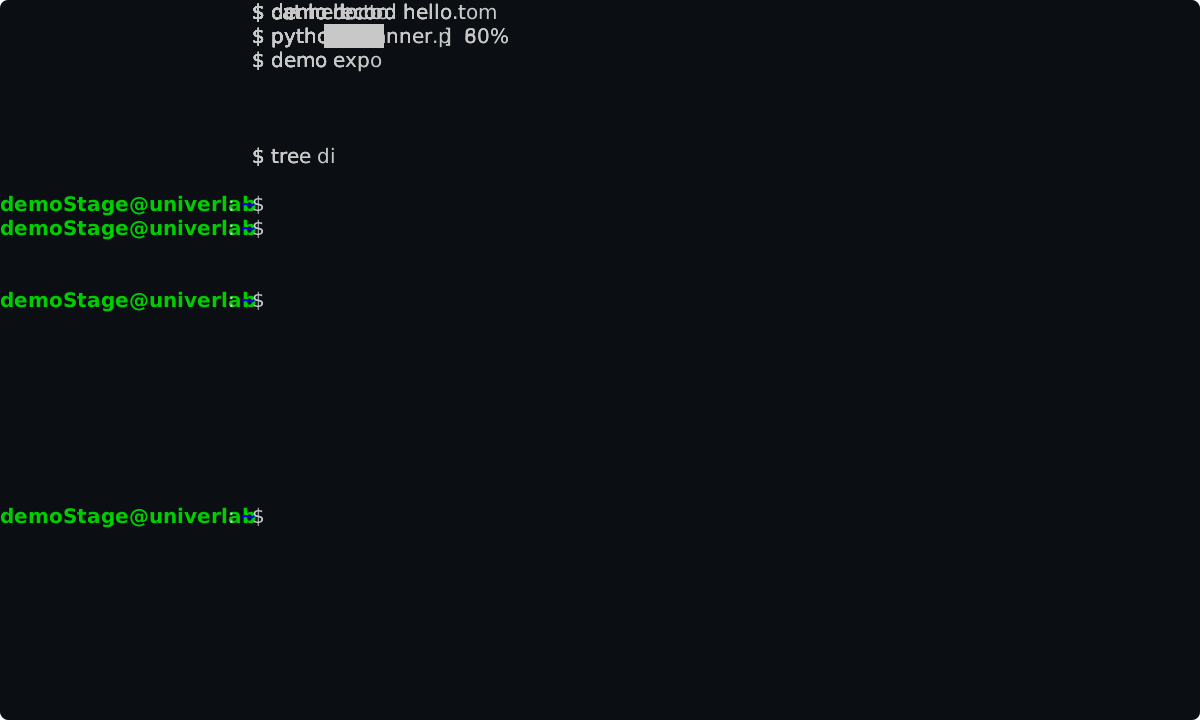
- 01
capture— live capture: record the session, auto-normalize into a clean score and faithful.rec. - 02
focus— switch the live view to one or two sources (terminal, repo page, docs, localhost) — full screen, split or stacked, composited into the demo. - 03
record— re-executedemo.tomlcleanly, producing a humanized recording. - 04
export— pure playback: render to gif, mp4 or animated svg (no re-execution, ffmpeg/chromium auto-provisioned). - 05
edit— edit the timeline interactively; mark several steps and apply bulk changes.
FAQ
- What is DemoStage?
- A tool for planning and recording multi-source demos — terminal, browser, and files in one scene. Not just screen recording: you configure typography, aspect ratio, fps, and terminal style. Output is optimized for web.
- Can I re-record a demo if something changes?
- Yes. demostage capture records events, not video. If the UX changes, re-capture and the demo updates deterministically — no need to manually re-record the whole thing.
- How is DemoStage different from asciinema?
- asciinema records raw terminal output. DemoStage records events, supports multiple sources (terminal + browser + files), normalizes imperfections, and compiles to gif, mp4 or animated svg. The source is a versionable TOML file.